
Table of Contents
New developer tools appear every week, and the good ones are easy to miss. This series is my way of keeping track of the ones that caught my attention.
This first edition covers AI-powered UI generation, a smarter terminal, and two ways to spend less time on backend plumbing.
Weekly Tech Discoveries · This is Part 01. Next up: Part 02.
This week at a glance
| Tool | Category | Best for |
|---|---|---|
| v0.dev | AI UI generation | Quick UI prototypes with exportable HTML and React code |
| Galileo AI | AI design generation | Designers working in Figma |
| Fig | Terminal autocomplete | Anyone who lives in the command line |
| Refine | Framework for data-driven apps | Admin panels, dashboards and CRUD apps |
| Convex | Backend-as-a-Service | Shipping apps without managing servers |
01. v0.dev by Vercel
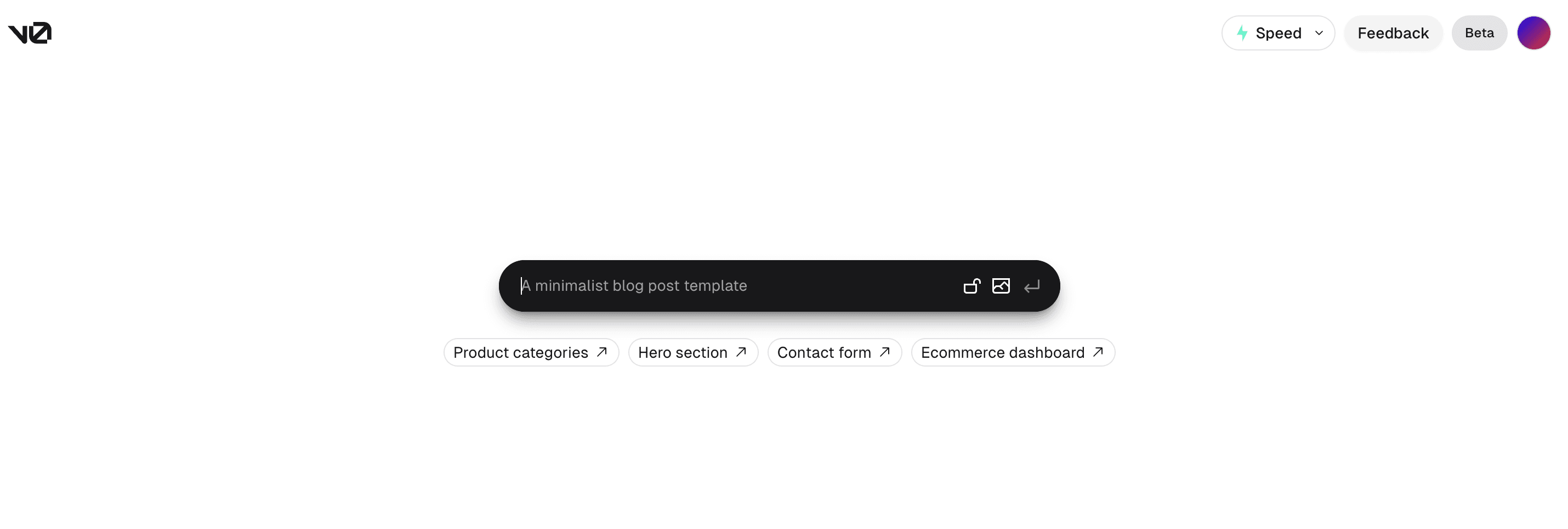
v0.dev is an AI-powered UI generation tool from Vercel. You describe the interface you want in a simple prompt, and v0 produces a polished design for it.
What sets v0 apart is that it doesn't stop at a picture of a UI. You can copy or download the generated source code as HTML or as React components, so the result is something you can drop straight into a project.
02. Galileo AI
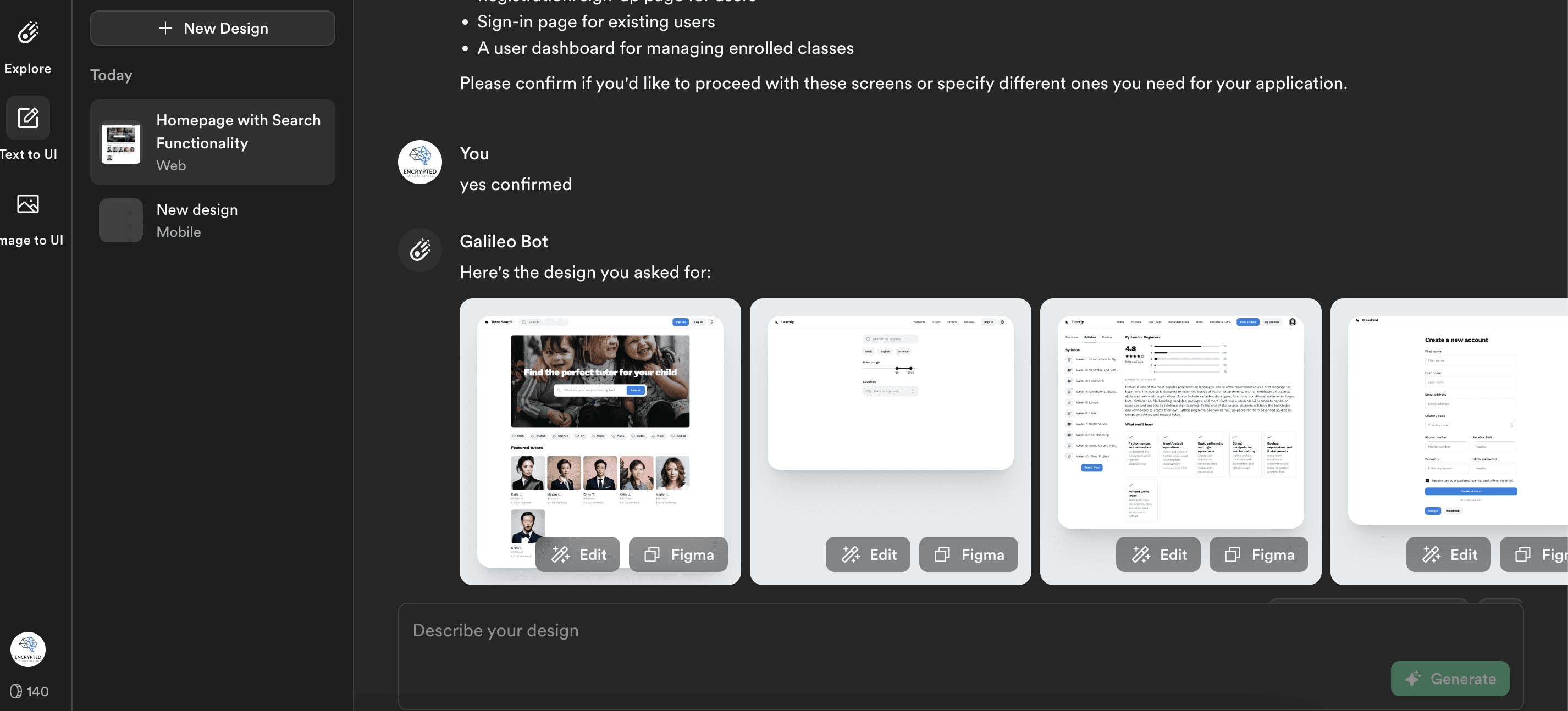
Galileo AI is a platform that helps you generate captivating designs for web, mobile and desktop applications. You simply provide a prompt and explore the possibilities.
What makes Galileo AI stand out is its seamless integration with Figma. For designers, that means generated screens land right where the rest of their work already lives.
03. Fig
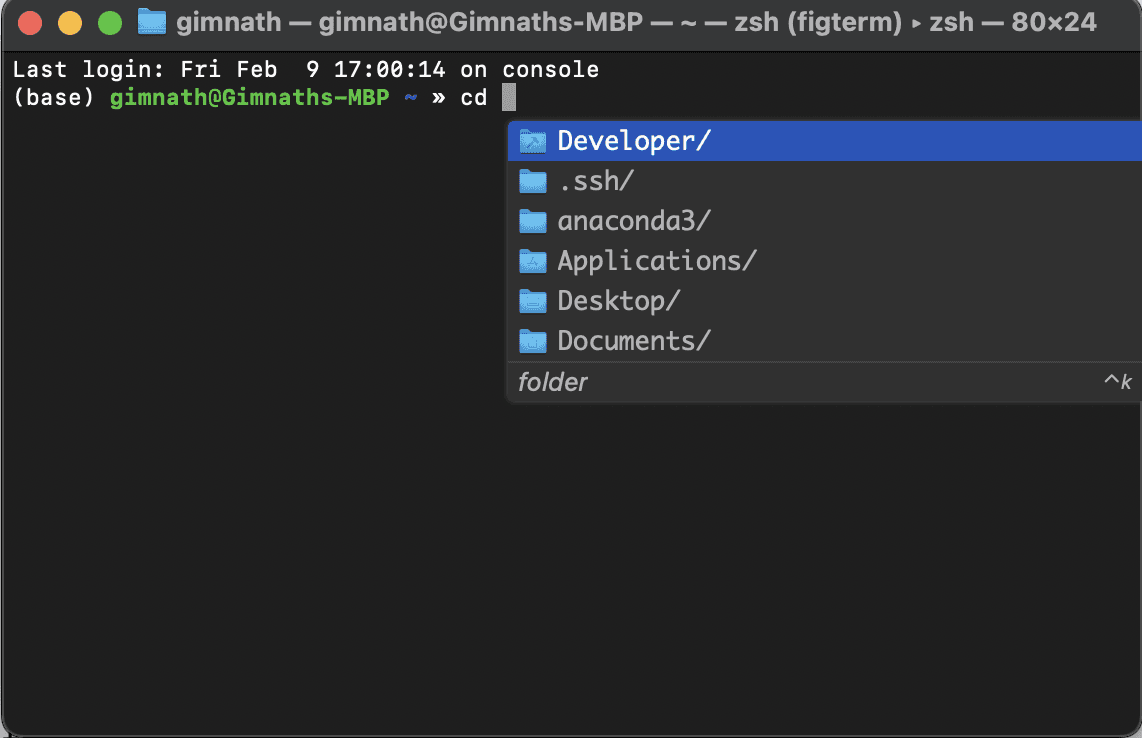
Fig is a terminal autocomplete tool designed to streamline your workflow. As you type, Fig anticipates your next move and suggests completions in real time: subcommands, flags, file paths and more.
Whether you're a seasoned developer or just getting started, Fig boosts your productivity by removing the guesswork and cutting down how much you have to type.
 GIF via GIPHY
Update: Fig has since been folded into Amazon. Its autocomplete repository now notes that Amazon Q Developer CLI is "formerly known as Fig" (see withfig/autocomplete), so check there if you want the same experience today.
04. Refine
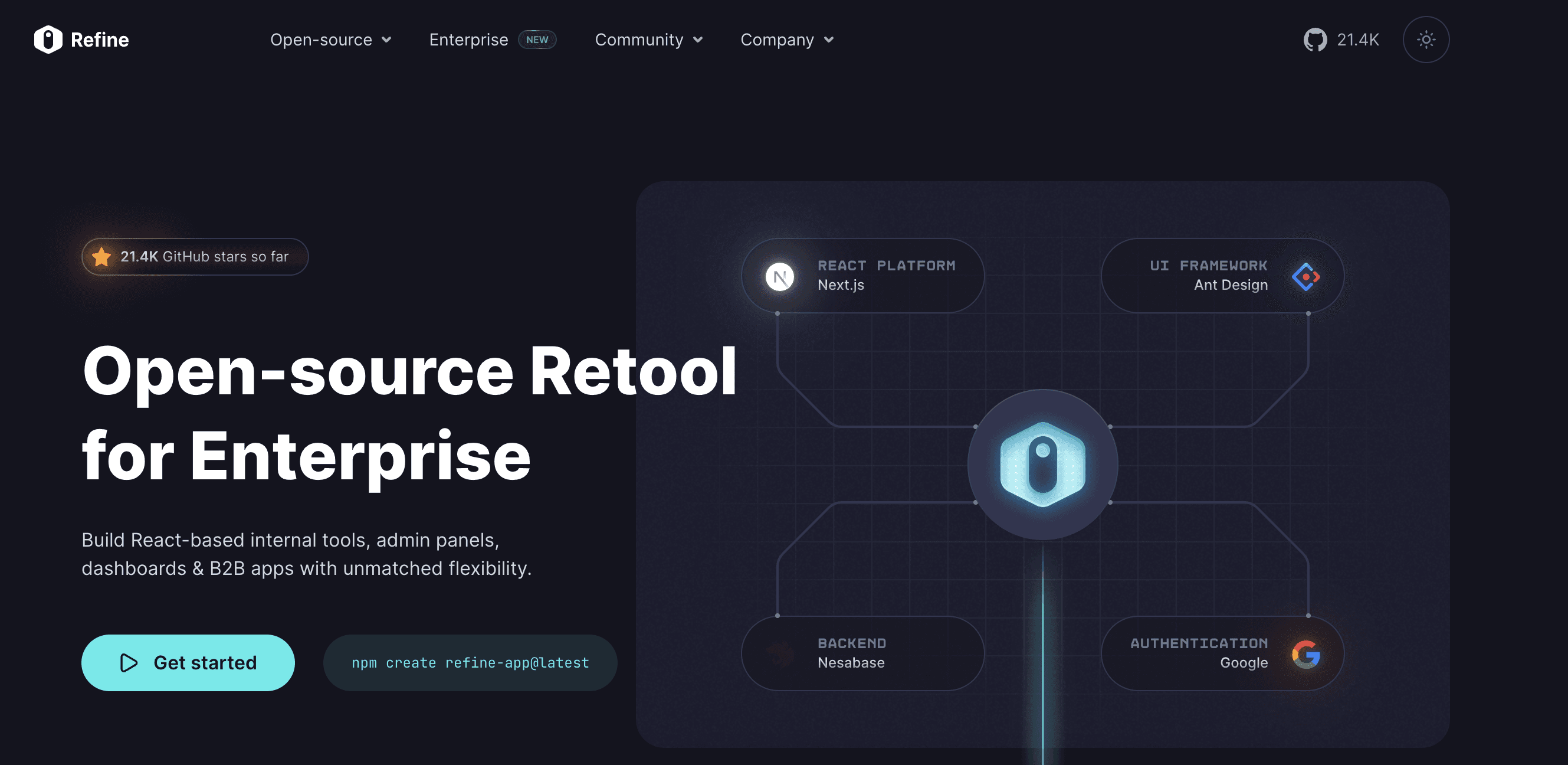
Refine is a platform for building and managing data-driven applications with ease. It gives you a powerful framework for creating custom admin panels, dashboards and CRUD interfaces.
Refine abstracts away much of the complexity involved in backend development, so you can focus on building robust applications quickly. With built-in data filtering, sorting and pagination, it simplifies working with databases and APIs and helps you deliver great user experiences faster.
05. Convex
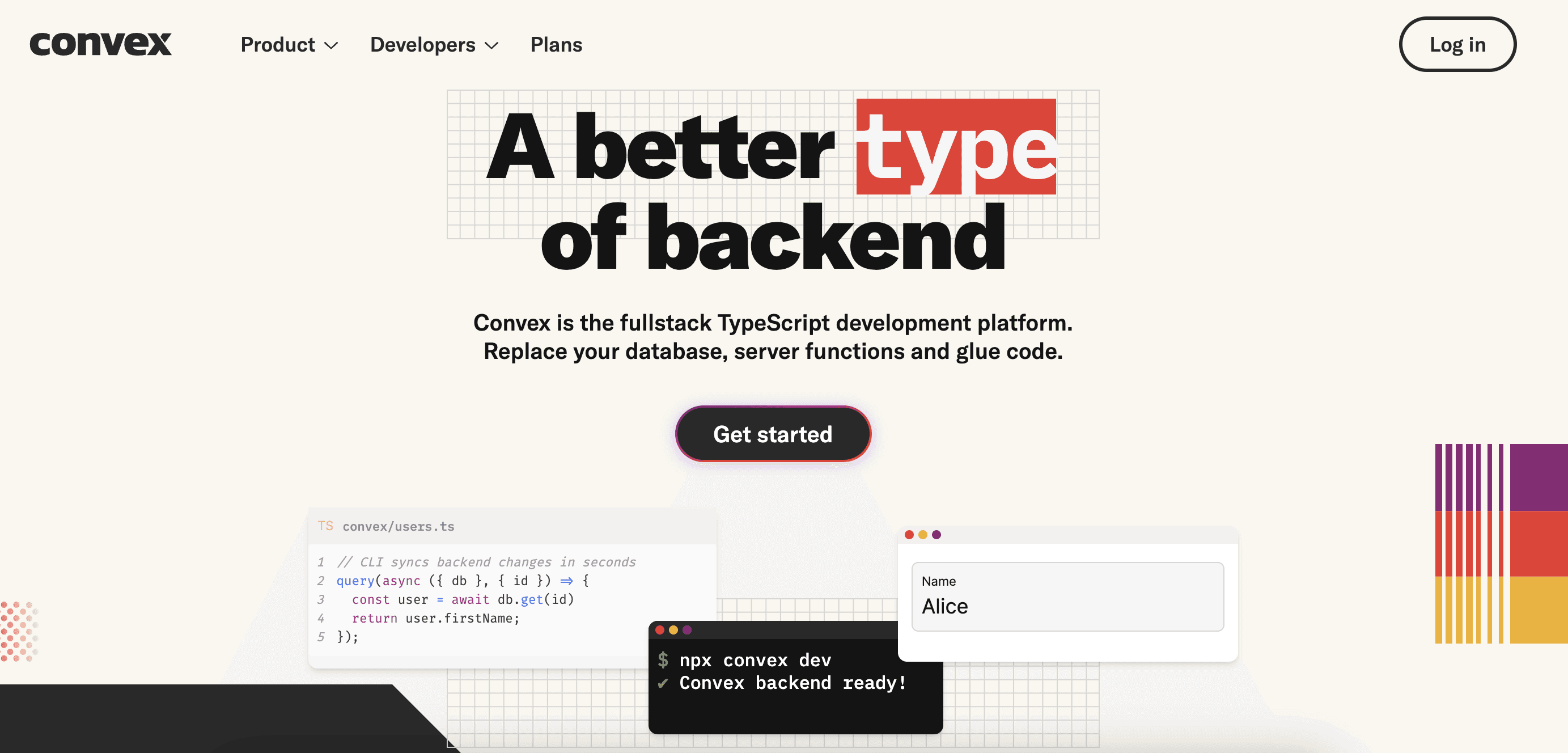
Convex is a Backend-as-a-Service (BaaS) platform, similar to Firebase, that gives developers a comprehensive set of tools to build and manage their applications. With Convex you can handle user authentication, database management, file storage and more, all through a simple and intuitive interface.
Whether you're building a web or mobile app, Convex lets you focus on great user experiences instead of server management or infrastructure.
To give you a feel for it, a backend query in Convex is just a TypeScript function:
// convex/tasks.ts
import { query } from './_generated/server'

export const list = query({
  args: {},
  handler: async (ctx) => {
    return await ctx.db.query('tasks').collect()
  },
})
Wrapping up
Three things stood out to me this week:
- AI is moving into the design stage. v0.dev and Galileo AI both turn a prompt into a usable starting point.
- Less plumbing, more product. Refine and Convex handle the repetitive parts of data-driven apps and backends.
- Small tools add up. Terminal autocomplete saves a few seconds on every command, and those seconds compound.
Weekly Tech Discoveries · Continue with Part 02, where I look at a new wave of AI-powered builders.
Originally published on dev.to.
